




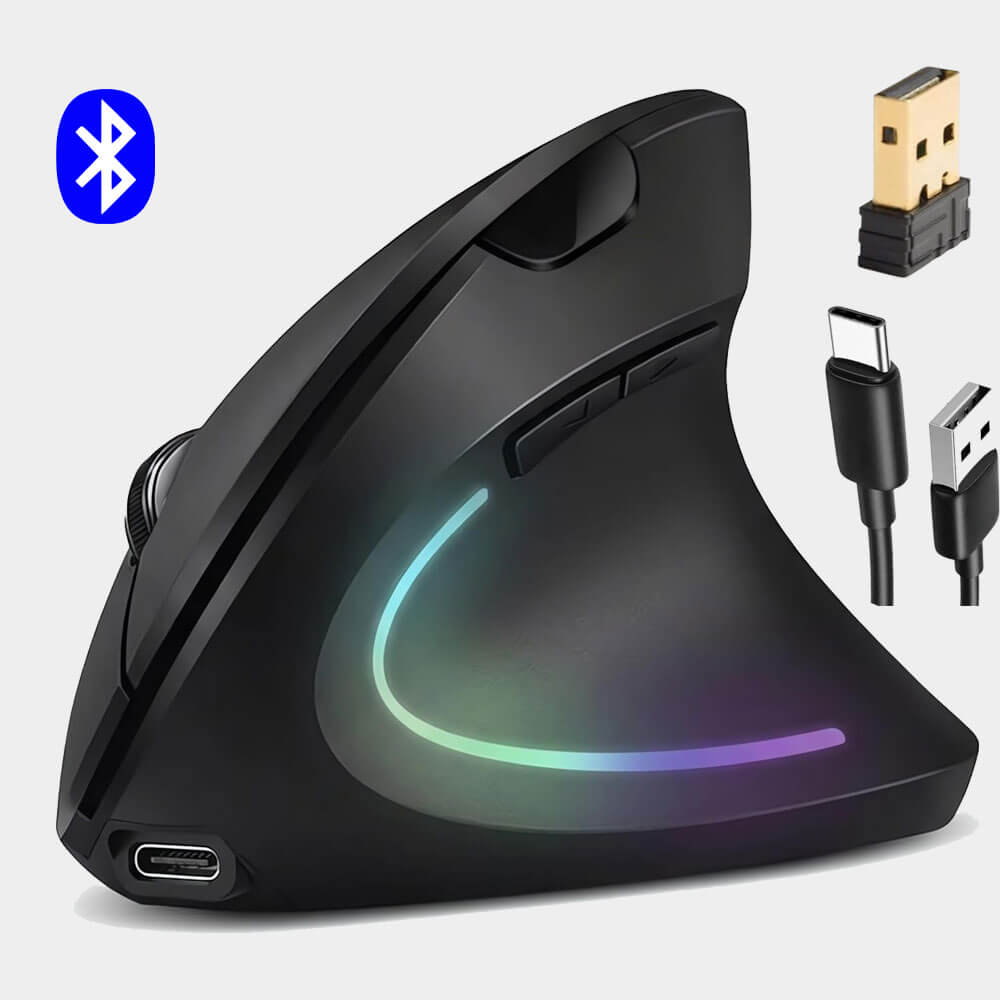

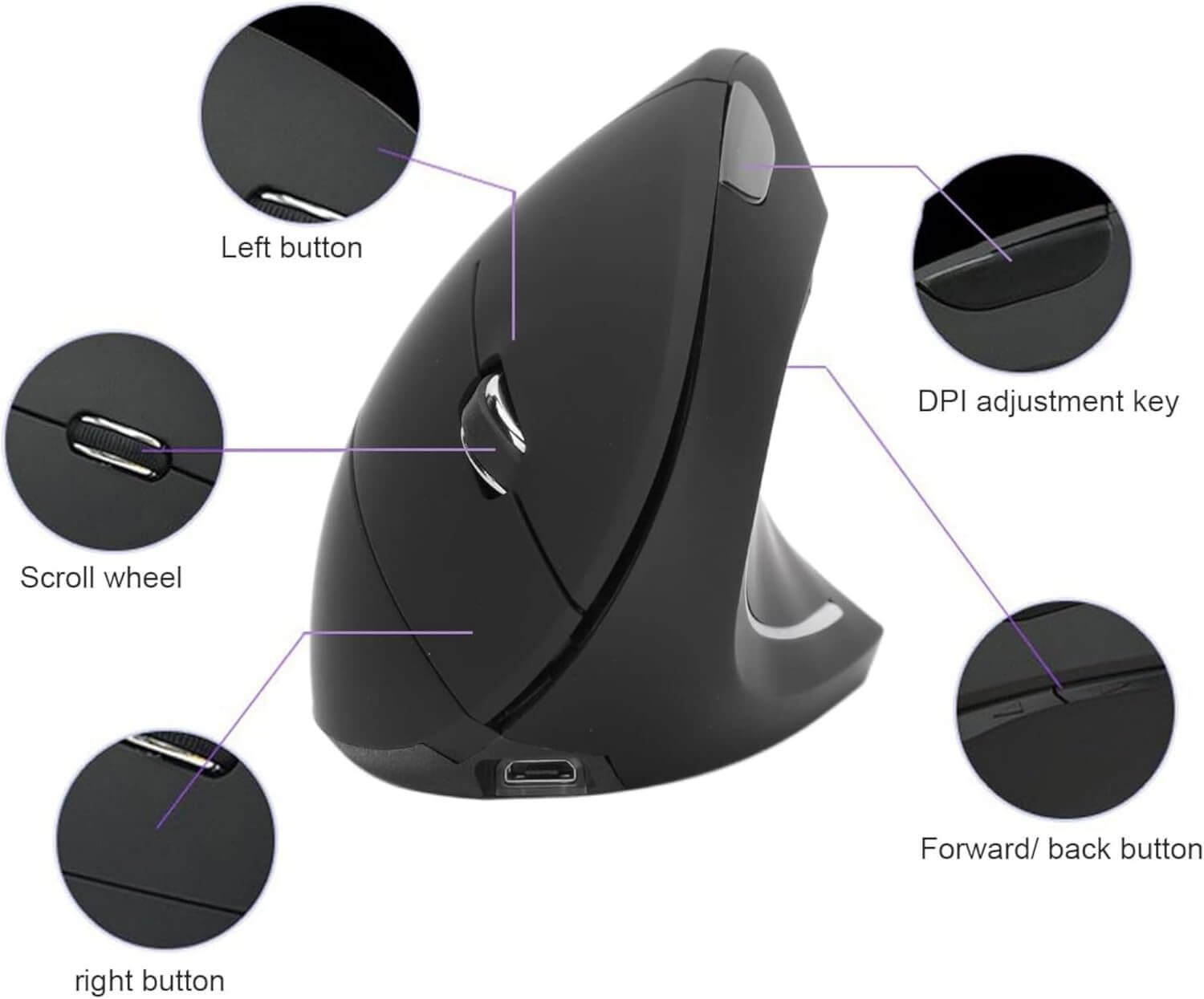
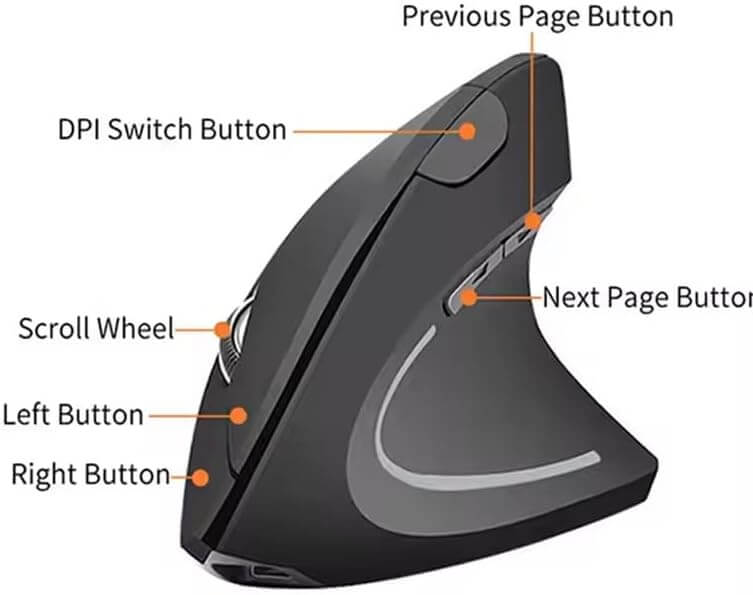
Gemax Rechargeable Ergonomic Vertical Wireless Mouse, (2 in 1) Bluetooth 5.2 & 2.4GHz USB “RGB Lighting, 1000/1200/1600 DPI, 6 Silent Buttons, for Laptop, PC, MacBook, Tablet – Black


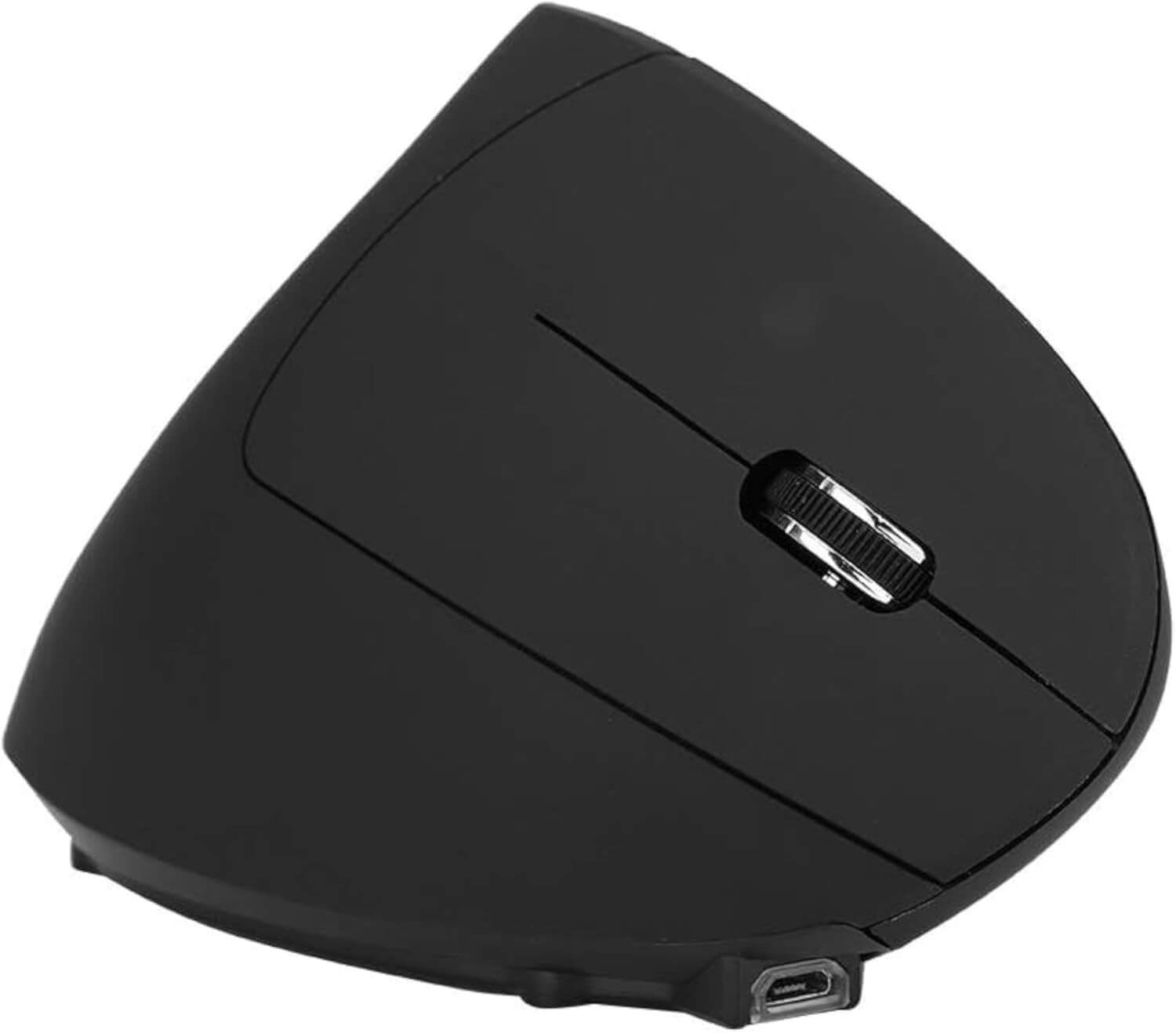
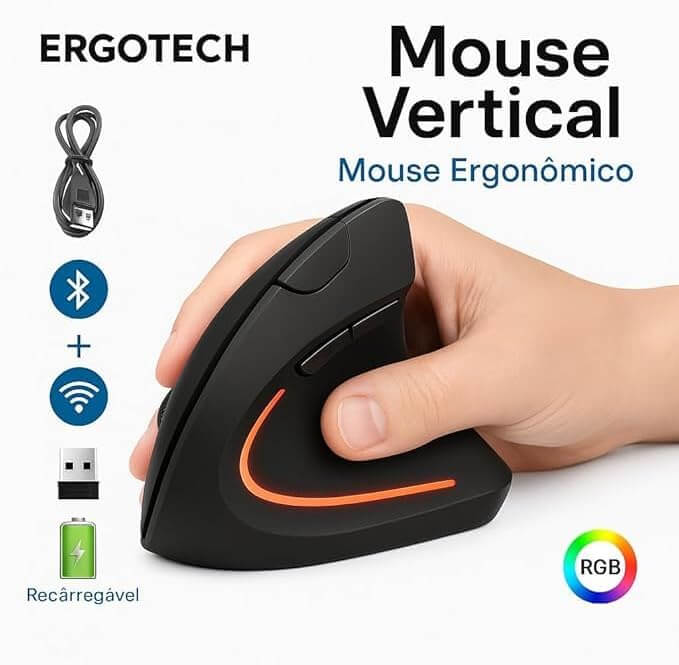
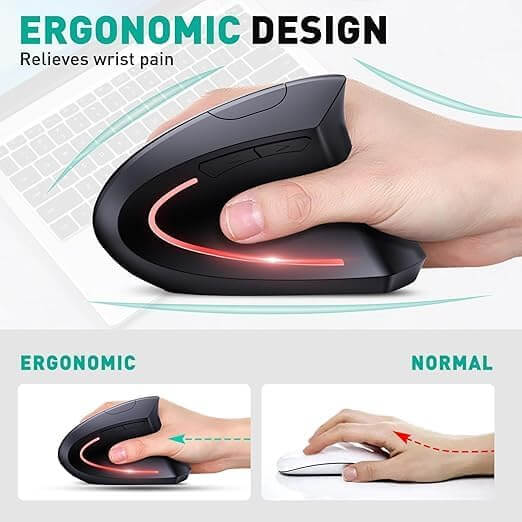
- 【ERGONOMIC DESIGN】Comfortable vertical mouse promotes right-hand neutral shake position, reducing wrist and arm pressure for lasting comfort. 1000/1200/1600 DPI Optical tracking technology ensures smooth and precise tracking on different surfaces
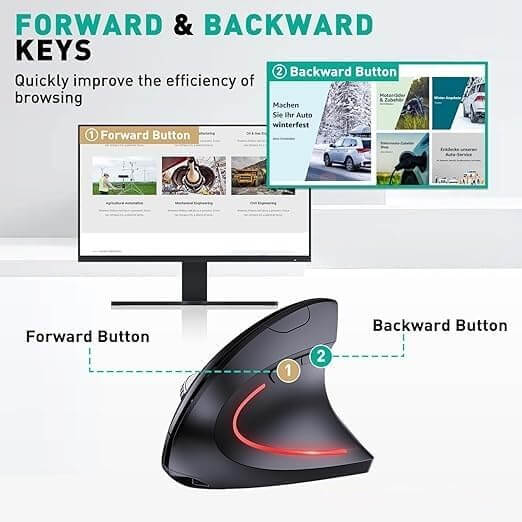
- 【QUIETY CLICKING – FAST NAVY】The wireless computer mouse features 6 silent buttons, ensuring nearly noiseless clicks. Will not disturb family members sleep or disrupt the work of colleagues. The “backward” and “front” function buttons allow for faster browsing the web especially suitable for home, office, library, meeting room, airplane and other places.
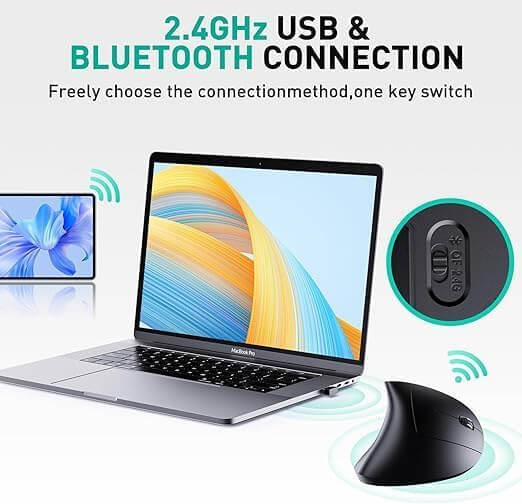
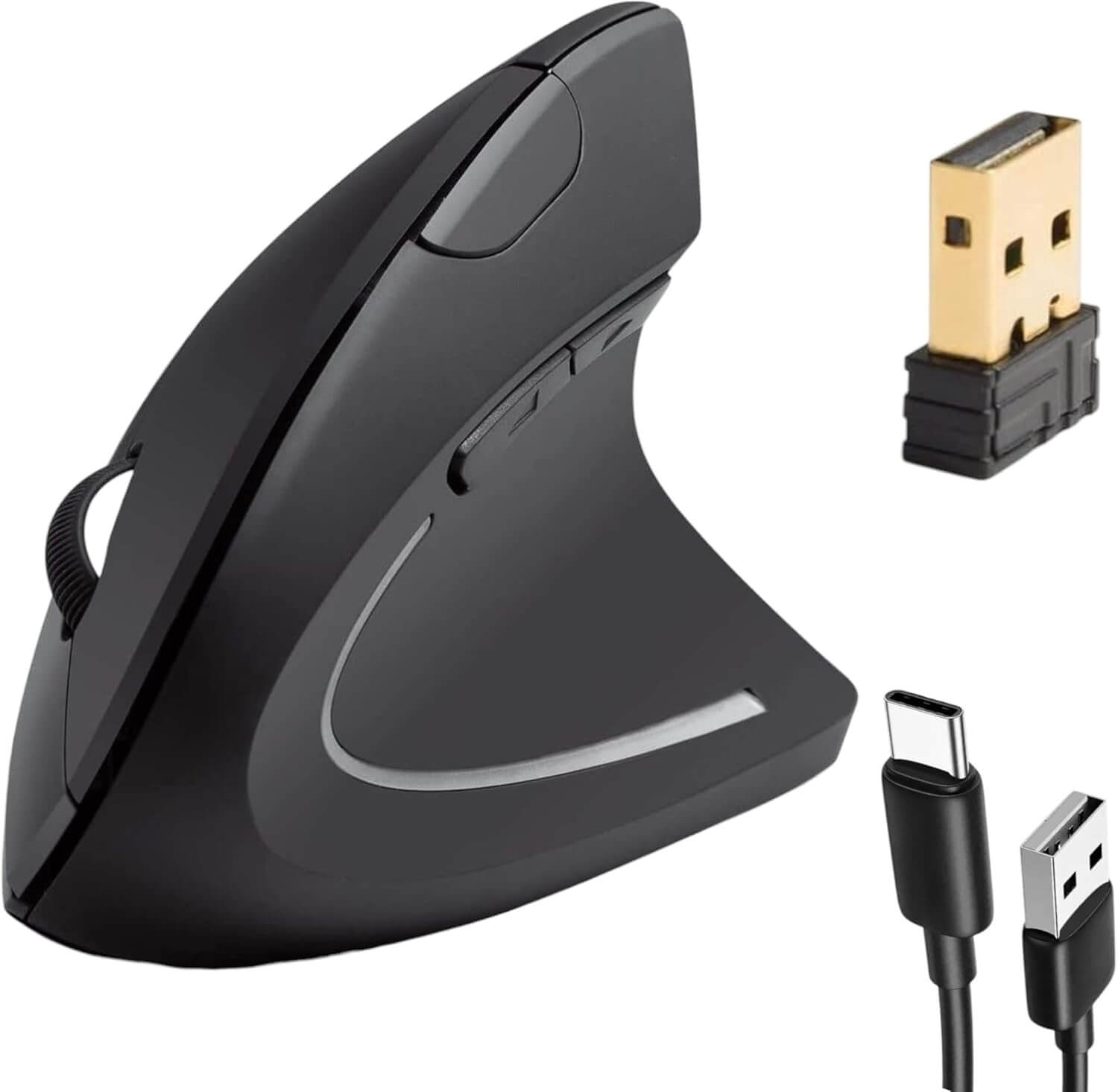
- 【2 in 1 Dual Mode (Bluetooth & 2.4G】The wireless computer mouse features Bluetooth (5.2/3.0) and USB 2.4Ghz mode. Choose Bluetooth mode to connect to your laptop or tablet, or choose the USB 2.4 GHz mode, simply connect the USB receiver for fast connection without pairing process. Easily switch between two modes with the push of a button for flexible use depending on your needs.
- 【Synchronous connection to two devices】One GKmate mouse can connect to two devices at the same time. One device connects via Bluetooth, the other via USB. With simple press of a button, smooth switch between them. No need for frequent USB connection or Bluetooth pairing. Widely compatible with various devices and systems, including Window/Mac/Chrome/Linux/Android/Laptop/Desktop Computer/Smartphone.
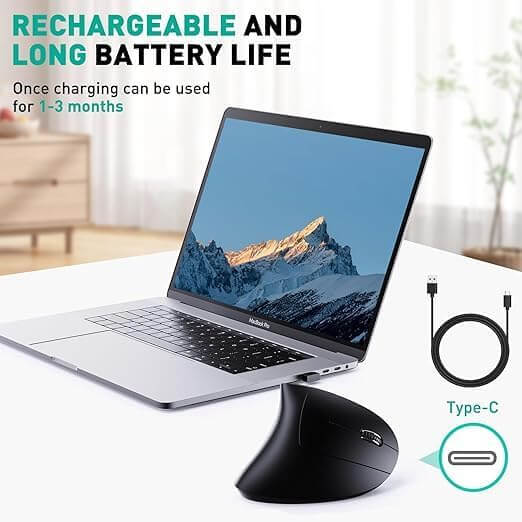
- 【Rechargeable Feature】Built-in mouse with high capacity rechargeable battery. (Actual time depends on working time, habits and frequency) It charges over Type-C cable and comes with a charging cable, saving battery replacement costs. After the mouse is unused for 10 minutes, it will enter into the energy saving mode, where the cursor cannot be moved. Pressing any key will wake the mouse, and the RGB LED light will light up.
- 【USAGE METHOD 】To Turn on 2.4GHz first time around the power switch from OFF to 2.4 GHz then put USB mouse into your computer or laptop wait 10-20 seconds It will work with you directly or turn on Bluetooth mode around the power switch to Bluetooth mode, turn on to the device you want to connect and then play directly




































Reviews
There are no reviews yet.